
Project Execution Management Module
Manage the entire construction execution stage collaboratively with all stakeholders, and keep clients up to date in real time.
Project Execution Management Module
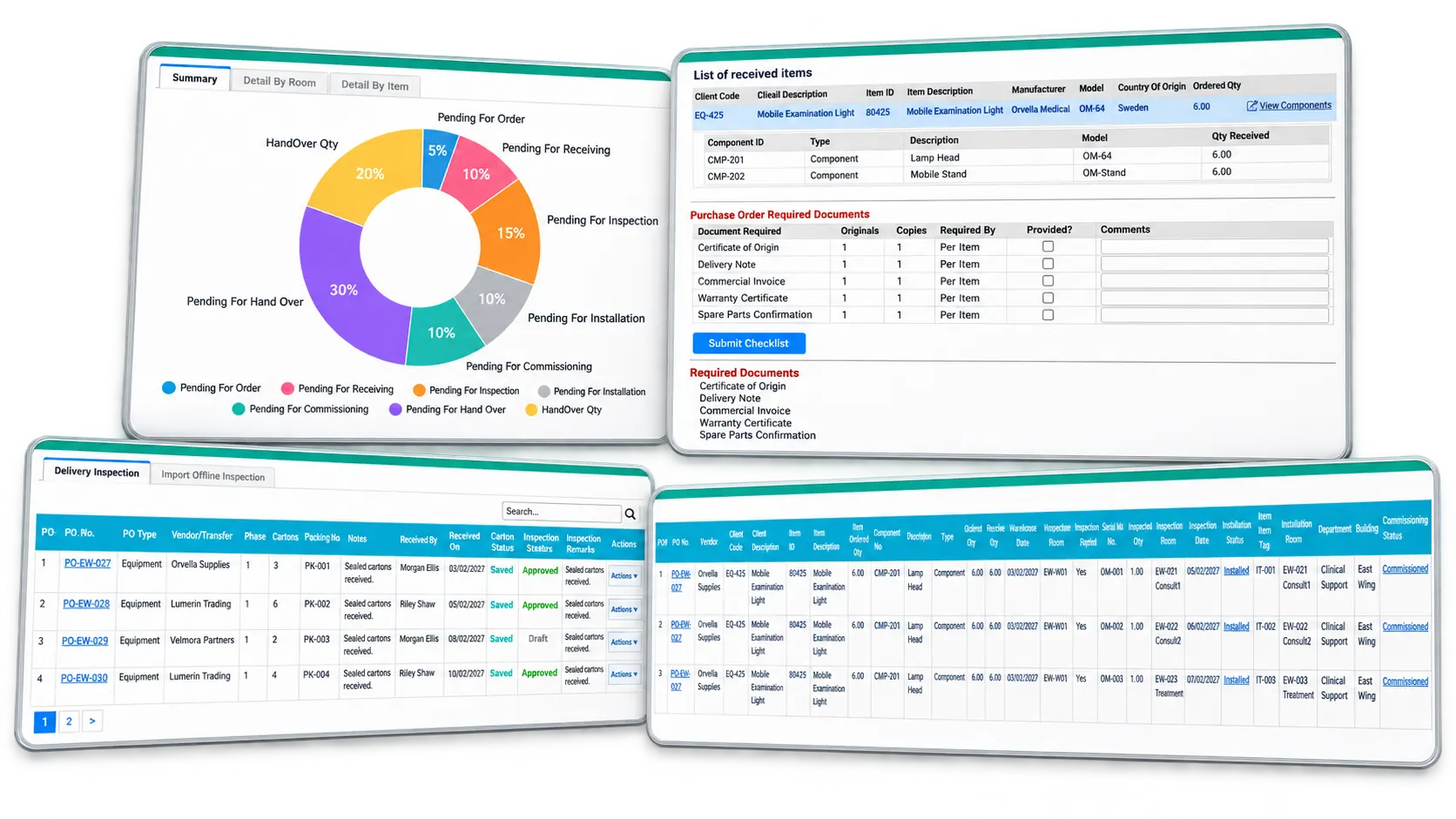
What the module does
- Use dedicated dashboards and graphs to monitor activity by item, room, department, and building — including delivery, room readiness, lead times, execution, and overall project schedules that compare planned activities against completed milestones.
- Prepare online executive reports, client weekly reports, status reports, progress reports, and contracted-item summaries by building.
- Share delivery, installation, commissioning, training, and handover progress with clients for each ordered item, by vendor.
- Collaborate with contractors on room readiness so material delivery and installation can be scheduled around actual room handover dates.
- Establish the final installation location of each item, by purchase order, and track progress at every stage — down to the actual location of each delivered carton or item.
- Store all documentation in a single document control repository, shared with clients and other stakeholders as needed.
- Log potential risk factors during procurement and execution for reporting and future reference.
- Document site coordination meetings and assign follow-up responsibilities to resolve open issues.
- Upload photos and videos of site progress to share with clients and other stakeholders.
- Manage the development of shop drawings and IFC drawings through a dedicated dashboard by item and room, and use PEquip to send documents to clients for review and approval.
- Track all deliveries, and expedite or delay receiving dates to align with site readiness.
- Let suppliers not only receive delivery authorization but also prepare packing lists and place QR codes on shipping cartons for fast, accurate site receiving.
- Perform online receiving in designated receiving rooms, and track pending items per supplier through a dedicated dashboard and reports.
- Register received cartons by warehouse location — row, section, and shelf — and move them between storage locations as needed.
- Inspect the condition of each item in every carton, and report any damaged or missing goods to suppliers and clients for replacement.
- Transfer inspected items to installation rooms or another warehouse location.
- Record installation of each item, by vendor and location, and monitor progress through customizable graphs and reports.
- Track item movements after installation, with real-time updates on each item's location.
- Record testing and commissioning results by supplier, item, and location, and issue certificates for client approval, with progress tracked via graphs and reports.
- Document operational and service training per item, with signed forms provided to the client.
- Use the mobile application in areas without internet access — ideal for carton receiving, warehouse placement, shipment checks, and inspections, including logging on-site issues for follow-up. Once back in an internet-covered area, data syncs automatically with PEquip. The app also supports barcode scanning for fast, accurate data capture.
- Document a snag list for follow-up after final acceptance and handover.
- Create a detailed Project Summary Handover folder containing all project documents and history, along with preventative maintenance, calibration schedules, and lifecycle data per item, exportable to a third-party maintenance system.
- Monitor and control the entire financial procurement and execution process, including the status of any item, group of items, or room on a given date — live on the portal or through printable queries.
- Capture total project costs, including services and associated consumables per item.
- Post provisions per item and per PO for costs not yet captured — such as freight, customs fees, third-party installation, warranty, and insurance — and later replace them with actual incurred expenses to reflect true project costs.
- Issue payment vouchers to finance and suppliers for invoicing based on achieved milestones, per purchase order terms, and post actual payments to manage accounts payable.
- Compare budgeted vs. actual expenditures by item, room, and department.
- Automatically calculate project profit and loss, and item margins, based on total cost (Suppliers Version).
- Issue payment requests to clients based on achieved deliverables and contractual payment terms (Suppliers Version).
- Automatically populate VAT charges per item from each PO to settle payments with clients and government authorities.
- Maintain an online document control system for financial monitoring and control, including document sharing with clients.