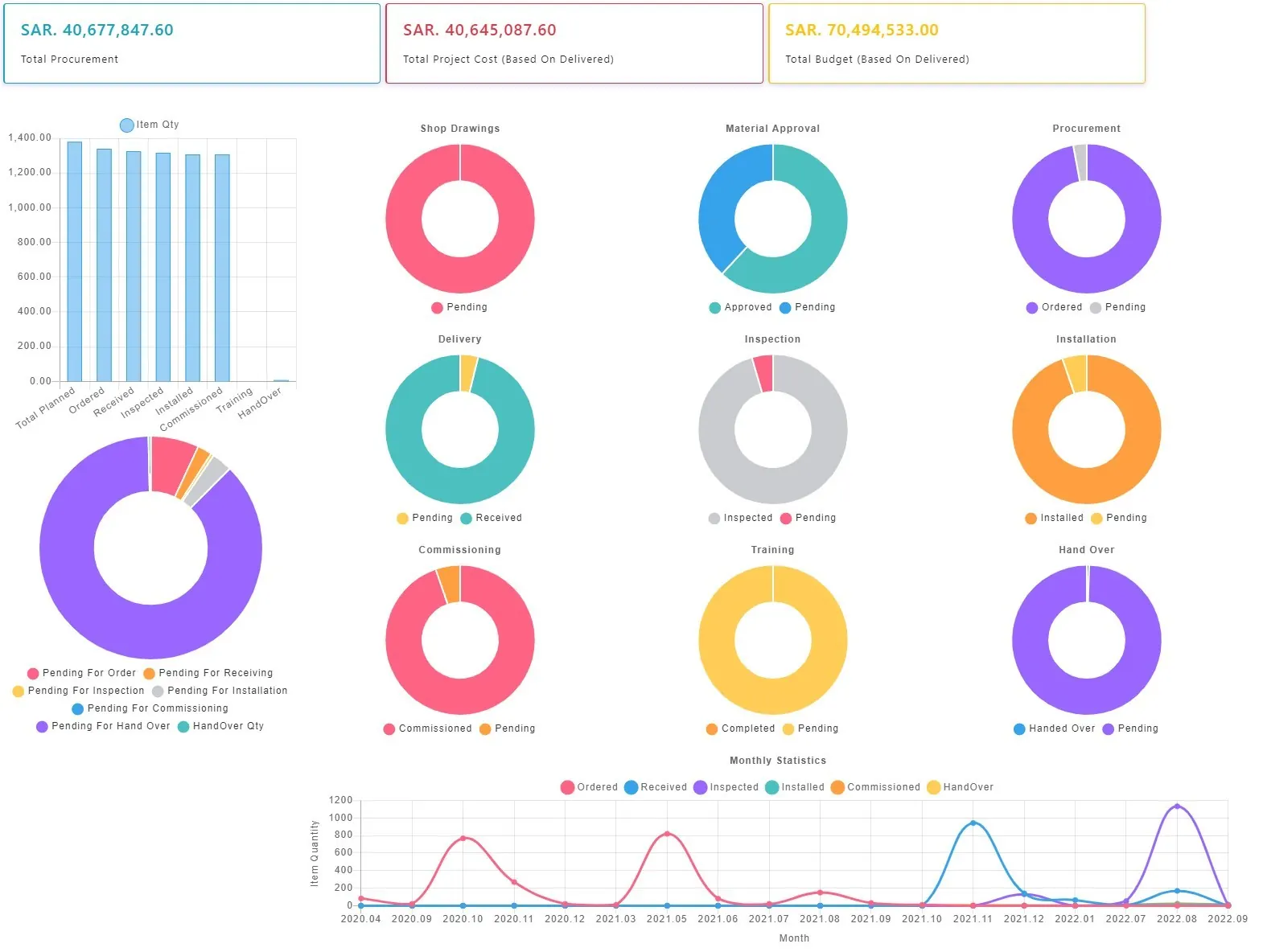
Close out each project by identifying assets for use during ongoing operations.
Estate and Asset Management Module
What the module does
Create an “Estate” that links multiple facilities or projects, enabling asset transfers between them and unified asset management across the entire estate.
Inspect and log the condition of existing equipment to determine whether it can be reused in a new project, and document de-installation for future re-installation.
Equipment identified as transferable to another facility can be factored into project planning, ensuring the design accounts for all products while procurement focuses only on new items.
Manage all assets across every facility in an estate — including item history, current status, service start date, warranty validity, estimated useful life, preventative maintenance schedules, and depreciation values.
Track non-asset details, too, such as consumables and disposables per piece of equipment per space, to support operational planning and reordering.
Assign asset numbers after testing and commissioning, and issue barcodes or QR codes.
Generate a summary report of items turned over to the client, including asset numbers and installation and warranty start dates — by estate, project, department, room, or item, exportable to Excel.
Initiate a Material Return Request when an asset needs to be returned to a supplier for repair or credit, automatically removing it from the estate.